












 Consultations
 Box Finder
 Help Centre


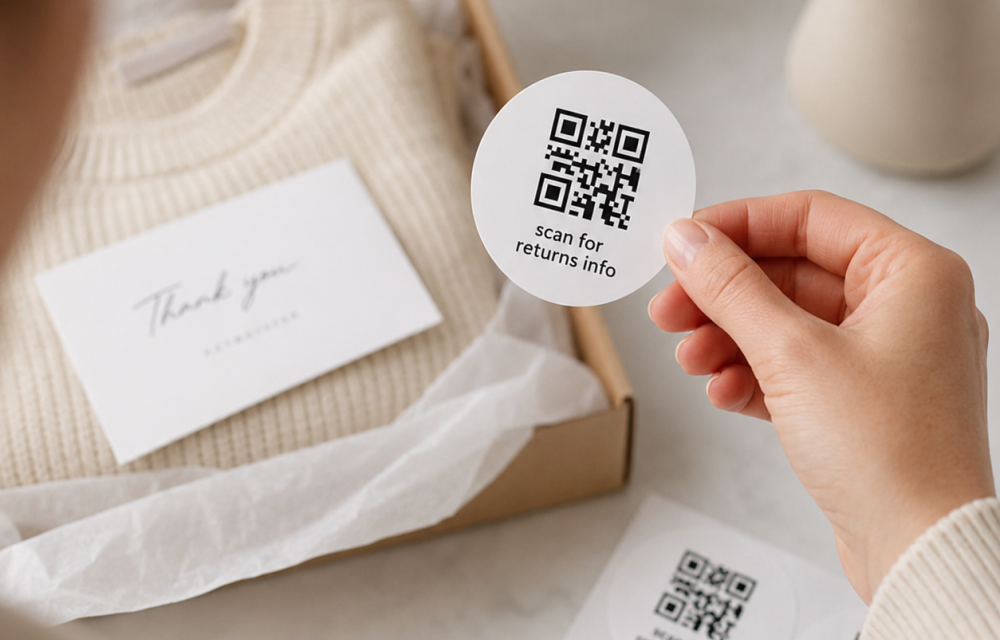
Printed Stickers That Scan First Time: Adhesive And Design Matter
A QR code can be beautifully designed, perfectly on-brand, and completely useless if it will not scan.
Not exactly the unboxing moment anyone planned.
For technology brands, ecommerce teams, corporate event organisers, and businesses managing complex packaging journeys, printed QR code stickers can do a lot of heavy lifting. They can connect physical packaging to product information, registration pages, apps, returns portals, campaigns, event content, or digital experiences.
But only if they work.
Creating stickers that scan on first try comes down to more than generating a QR code and dropping it into artwork. Sticker size, print quality, clear space, contrast, surface, placement, and adhesive all need to work together.
Get those details right, and the sticker becomes a seamless part of the experience rather than an obstacle halfway through it.
Need packaging accessories to get you started?
What Makes A Printed Sticker Easy To Scan?
A scannable sticker gives the camera a clear, undistorted code with enough contrast and space around it to distinguish the pattern.
In practical terms, that usually means:
- Keep the QR code clear and large enough for its intended scanning distance.
- Maintain strong contrast between the code and its background.
- Preserve clear space around the code.
- Avoid placing critical code elements over folds, joins, or pronounced curves.
- Choose a sticker material and adhesive that suit the application surface.
- Test the finished printed sticker on the actual packaging before full production.
It sounds simple. Packaging has a habit of making simple things interesting.
Start With The Surface, Not The Sticker
Before deciding what your sticker should look like, decide where it is going.
A sticker applied to a smooth coated box behaves differently from one applied to textured kraft board. A label crossing a closure has different demands from one placed flat on the front of a mailer. Curved packaging creates another set of considerations entirely.
This is where adhesive choice becomes important.
The goal is not simply to find an adhesive that is "strong". It needs to work with the particular surface, finish, environment, and intended lifespan of the sticker.
For example, considerations may include:
- Whether the surface is smooth, textured, or heavily coated.
- Whether the sticker needs to sit on a flat or curved area.
- Whether it crosses an opening or closure.
- How much handling the package will receive.
- Whether the sticker needs to remain in position for an extended period.
- Whether removal is part of the intended experience.
Your packaging and sticker should be designed as one system.
Otherwise, you could create perfect artwork only to discover that a lifting edge, crease, or badly positioned join is sitting directly through the code.
Why Adhesive Selection Affects Scanability
Adhesive might sound like a production detail rather than a design consideration.
It is both.
If the adhesive is unsuitable for the packaging surface, the sticker may lift, wrinkle, bubble, or move. Any of these can distort a QR code enough to make scanning less reliable.
A well-applied sticker keeps the code sitting where the artwork intended it to sit.
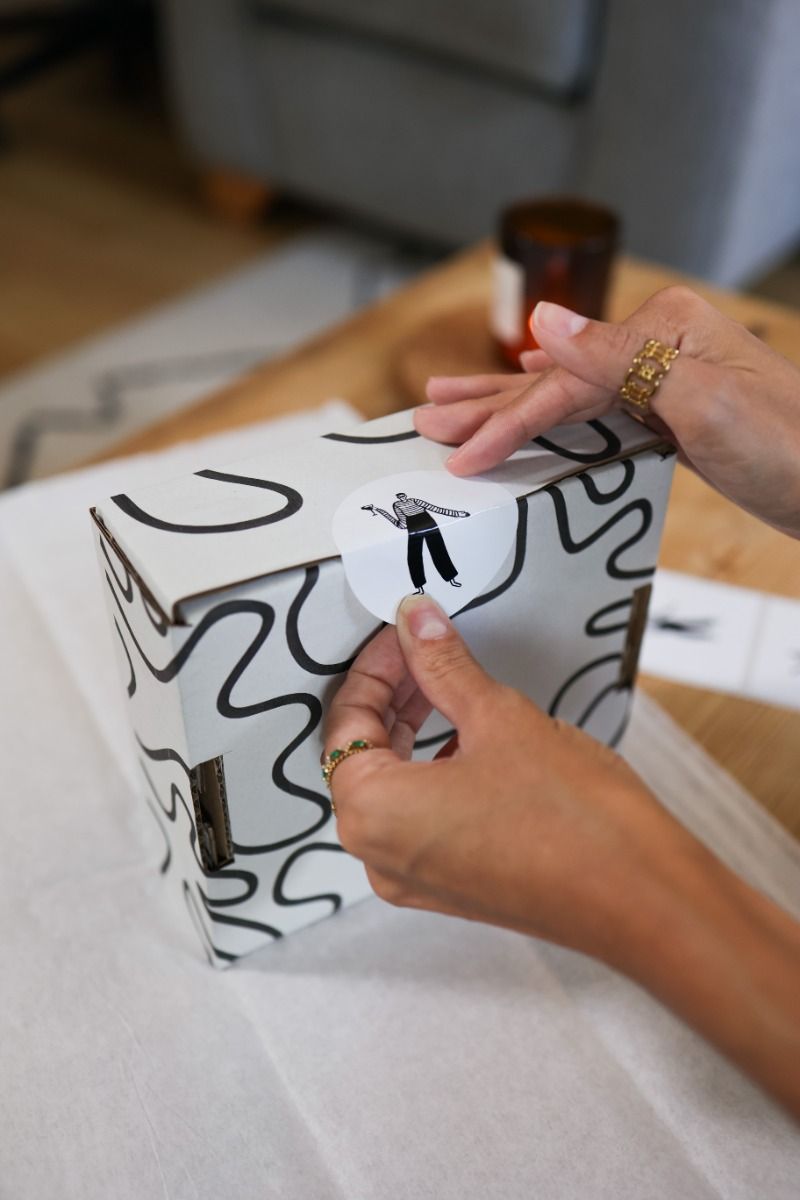
When briefing adhesive labels custom to your packaging, tell your supplier what the label will actually be applied to. Sending the physical packaging sample where possible is even better.
"Kraft box" is useful.
"This exact kraft box, with this coating, applied across this position" is much more useful.
Give Your QR Code Some Space
One of the quickest ways to create scanning problems is to crowd a QR code.
Logos, copy, decorative borders, illustrations, or die-cut edges might all look tempting around it, but the code needs breathing room.
A clear area around the QR code helps scanning devices identify where the code starts and finishes.
That does not mean your sticker has to look boring.
It simply means the functional part of the design should be protected before the decorative part gets involved.
Think of it as the QR code's personal space. Respect it.
Small Type Rules Matter Too
QR functionality might be the technical priority, but the wording surrounding it still needs to work.
If your sticker says:
Scan to register your product.
The message needs to remain readable at the final printed size.
Artwork that looks generous on a 27-inch monitor can become surprisingly tiny once it is reduced to a small packaging sticker.
When working on small type rules for stickers, consider:
- Final printed size rather than artwork size on screen.
- Type weight as well as point size.
- Contrast between text and background.
- Whether reversed-out text remains legible.
- Space between the code, copy, and edge of the sticker.
- Whether finishing or texture affects fine detail.
There is little value in making the QR code technically scannable if nobody can read the instruction telling them why they should scan it.
Safe Areas Protect The Design
Safe areas are particularly important when a sticker includes a QR code, small copy, or detailed branding.
Keep essential information away from trim edges and areas likely to bend or distort after application.
This matters even more for shaped stickers.
A circular, oval, or custom-cut sticker might give you less usable space than the dimensions first suggest. The outer shape is not automatically the safe design area.
For custom large stickers, this is usually easier to manage because there is more room to separate functional and creative elements. Smaller labels require more discipline.
Every millimetre has a job.
Contrast Beats Cleverness
QR codes depend on visible contrast.
That does not mean every sticker has to be black and white, but the scanner needs to distinguish the code clearly from the background.
Brand palettes can still play a role, but this is one place where aesthetics should not win an argument with functionality.
Very subtle tonal combinations may look elegant in a design presentation and become considerably less elegant when somebody is waving their phone back and forth trying to scan them.
When in doubt, test.
And test the printed version, not just the artwork on screen.
Gloss, Texture, And Finish Can Change The Result
The sticker's appearance is not the only consideration. The surface it sits on and the finish of the sticker itself can affect how it behaves in real-world conditions.
Glossy materials can create reflections under certain lighting. Heavily textured surfaces may prevent a label from sitting perfectly flat. Curved packaging can introduce distortion.
None of these automatically rules out a design.
They simply need to form part of the testing process.
For high quality scan stickers, print sharpness matters, but so does everything that happens after the printing press.
Place The Sticker Somewhere People Can Actually Scan It
Placement is easy to overlook when artwork is being signed off separately from packaging.
A sticker could be technically perfect and still become awkward to use if it is placed:
- Around a tight curve.
- Across a corner.
- Too close to a box opening.
- Underneath another packaging component.
- Somewhere likely to become creased.
- In a position that is difficult to reach with a phone camera.
Think about the entire customer interaction.
Where will their hands be?
Where is the box likely to sit?
Will they scan before or after opening?
Does another packaging component obscure the code?
A good packaging point is not just where the sticker fits. It is where the sticker makes sense.
How To Design Printed QR Code Stickers For First-Time Scanning
For custom stickers that scan easily, use this practical checklist before production.
1. Confirm The Destination
Make sure the QR code points to the correct live destination and that the page works well on mobile.
A flawlessly printed QR code linking to the wrong place remains flawlessly wrong.
2. Choose The Application Area
Decide exactly where the sticker will sit on the finished packaging.
3. Check The Surface
Confirm the packaging material, coating, texture, and curvature so the sticker construction can be considered appropriately.
4. Protect The Code
Leave sufficient clear space around it and keep important elements away from trim areas, creases, and curves.
5. Check Contrast
Ensure the code remains visually distinct from its background.
6. Review Small Copy
Print the artwork at actual size and check whether instructions, URLs, legal text, and supporting information are genuinely readable.
7. Test The Printed Version
Scan samples using different devices and in realistic conditions before moving to the full production quantity.
Digital approval is useful. A real-world test tells you far more.
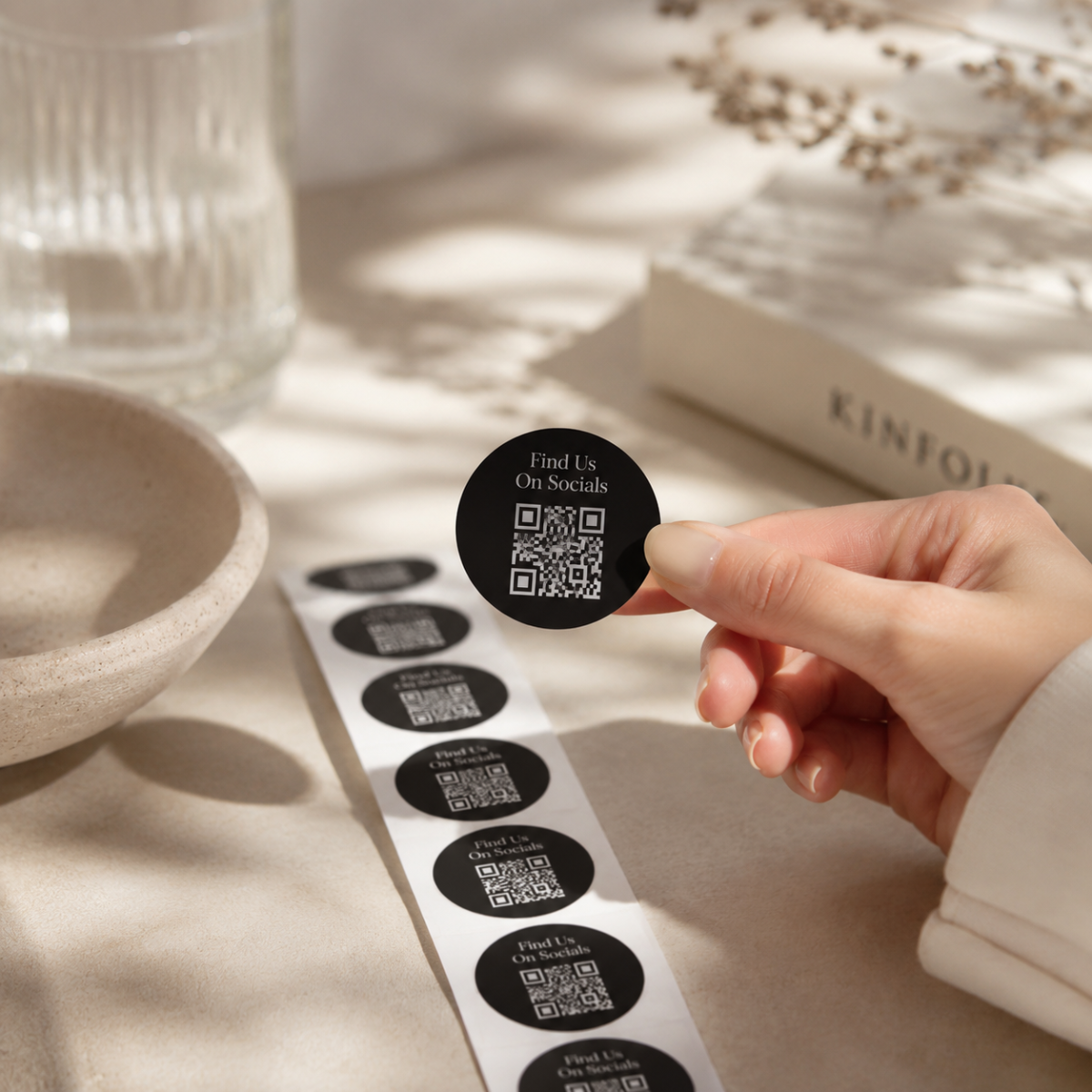
Printed Stickers Can Improve The Unboxing Experience
A sticker does not have to feel like an instruction label stuck on at the last minute.
Done properly, it can be an intentional part of the ultimate unboxing experience.
Imagine opening a new technology product.
The packaging guides you naturally through each stage. A neatly designed sticker invites you to scan for setup. Another connects you to an app or digital onboarding journey. The graphics feel consistent with the product and wider brand.
Nothing requires searching through paperwork.
Nothing feels bolted on.
The physical and digital experiences simply join up.
That is where personalised stickers for business become much more interesting than decoration alone.
Use Stickers To Extend The Brand Beyond The Box
For brands with complex customer journeys, QR stickers can turn packaging into a gateway.
They might direct customers towards:
- Product setup.
- Registration.
- Digital instructions.
- Warranty information.
- Apps.
- Campaign content.
- Loyalty programmes.
- Event schedules.
- Feedback forms.
- Returns information.
The right application depends on the customer journey.
The sticker should earn its place by doing something useful.
Our printed stickers can also form part of a wider branded packaging approach, helping physical packaging and digital touchpoints feel more joined-up.
Keep Corporate Events Under Control
Packaging for corporate events can involve very different logistics from day-to-day direct-to-consumer fulfilment.
You may have thousands of packs heading to a venue, different versions for different audiences, product demonstrations, attendee information, or event-specific digital experiences.
Printed stickers can provide an adaptable layer without forcing every piece of packaging to be redesigned.
A QR sticker might connect an attendee to:
- An agenda.
- Product information.
- A demonstration.
- Event content.
- Registration.
- A digital gift.
- Post-event follow-up.
For global technology brands, the appeal is flexibility.
You can keep the core packaging consistent while adapting the experience around a campaign, market, audience, or event.
Sticker Sheets Can Support More Complex Packaging Operations
Not every packaging operation needs stickers delivered individually.
Custom sticker sheets can make sense where fulfilment teams need several labels or branded elements together, particularly when different sticker types belong to the same packaging workflow.
That might include a branded closure, QR code, information label, and campaign sticker all within one coordinated set.
Again, planning matters.
How the stickers are used in fulfilment should influence how they are supplied.
The prettiest sheet in the world will not impress an operations team if it slows down packing.
Sustainability Starts With Asking Better Questions
Sustainability considerations for stickers are not solved by adding one green icon to the artwork.
Materials, adhesive, backing, quantities, application, and the wider packaging system can all play a role.
When exploring options, ask for specific information rather than broad environmental claims.
Questions might include:
- What is the sticker material?
- Is recycled content available, and if so, what percentage?
- Are responsibly sourced paper-based options available?
- Is the sticker necessary to the packaging experience?
- Could one functional sticker replace several separate components?
- How does the label interact with the packaging material beneath it?
Sustainability should be considered alongside function, brand, and production requirements.
Not sprinkled on afterwards like eco confetti.
Testing Matters More Than Assumptions
When a printed sticker carries something as functional as a QR code, prototypes are useful.
Test the complete application rather than one element in isolation.
Put the sticker onto the actual packaging.
Handle it. Open it. Move it into different lighting. Scan it from realistic positions. Try more than one device.
If packaging will travel, think about what it may experience before reaching the customer.
This is particularly valuable for large direct-to-consumer runs or major event programmes, where discovering a problem after thousands of packs have been assembled is nobody's idea of a good afternoon.
Build Measurement Into The QR Journey
Printed QR code stickers can also provide useful campaign insight when the destination and tracking approach are planned appropriately.
Depending on your digital setup, different QR destinations or trackable links may help teams understand engagement across campaigns, packaging variants, locations, or events.
The physical sticker is only one half of the experience.
The page waiting on the other side needs the same attention.
It should load quickly, work properly on mobile, make the next action obvious, and deliver what the sticker promised.
"Scan to discover more" is not much of an experience if "more" turns out to be the homepage.
Keep Your Branding Consistent
Functional does not have to mean generic.
Your sticker can still use brand colour, typography, tone of voice, shape, and supporting graphics, provided those choices do not interfere with the code itself.
For organisations managing detailed brand systems, stickers should be considered alongside boxes, inserts, tissue, tape, and other packaging elements.
If maintaining colour consistency across those pieces is important, our guide to branded gift boxes that stay true to your colours explores the wider challenge of keeping packaging aligned with your palette.
A Brand Manager's Pre-Production Checklist
Before approving custom sticker printing, confirm:
- The QR destination is correct.
- The destination page works properly on mobile.
- The final sticker dimensions are agreed.
- The QR code remains readable at final size.
- Clear space around the code has been protected.
- Small text is readable when printed.
- Contrast is strong enough.
- The application surface has been identified.
- The adhesive is suitable for the intended use.
- The sticker avoids problematic folds and curves.
- Samples have been tested on the real packaging.
- Multiple devices have successfully scanned the finished sample.
- Material and sustainability information has been reviewed.
- Production quantities and timings fit the wider packaging schedule.
A Sticker Has One Job Before It Does Anything Else
It has to work.
After that, it can look beautiful, reinforce your identity, unlock a digital experience, support an event, or turn an ordinary unboxing moment into something far more useful.
But functionality comes first.
Choose the right surface and adhesive. Protect your safe areas. Keep the QR code clear. Make the small print readable. Test the physical sticker rather than trusting what looks good on a screen.
Because the best printed QR code stickers should not make your customer think about scanning them.
They should simply scan.
Planning printed stickers for an upcoming packaging project? Talk to Tiny Box Company about your artwork, packaging surface, quantities, and intended application.
FAQs
What Factors Should I Consider When Selecting Adhesive For Printed Stickers?
Start with the application surface, including its material, coating, texture, shape, and expected handling. The intended lifespan of the sticker also matters. Providing your packaging supplier with an actual sample can help when assessing the most appropriate option.
How Do Safe Areas Affect The Scanability Of Printed Stickers?
Safe areas protect important elements from trim edges, folds, curves, and other areas where the artwork could become distorted. QR codes also need clear space around them so scanning devices can identify the code properly.
How Does Small Type Affect Printed Stickers?
Small copy can become difficult to read once artwork is printed at its final size. Review font size, weight, contrast, and spacing using a physical-size proof rather than judging the design only from a large screen.
What Are The Best Practices For Printed Stickers That Scan On First Try?
Keep the QR code clear, provide sufficient space around it, use strong contrast, avoid distortion, choose an appropriate sticker and adhesive for the surface, and test printed samples on the final packaging using multiple devices.
Can QR Code Stickers Still Look Premium?
Absolutely. Function simply needs to come first around the scannable portion of the artwork. Shape, typography, colour, copy, and surrounding design can still create a polished branded result.
How Can Printed Stickers Improve Unboxing?
They can add useful digital interactions without introducing additional printed inserts. A well-placed QR sticker might lead customers directly to setup instructions, registrations, product information, or relevant campaign content.
How Can Stickers Support Corporate Events?
They can connect physical packs with event-specific digital experiences, agendas, registrations, product demonstrations, or follow-up content while allowing core packaging to remain relatively consistent.
Are There Sustainability Considerations For Printed Stickers?
Yes. Consider sticker material, backing, adhesive, recycled content where available, responsible sourcing, quantities, and how the sticker affects the wider packaging system. Look for specific material information rather than vague environmental claims.
How Can I Make Sure A Sticker Works On Curved Packaging?
Placement and testing are particularly important. Avoid positioning essential QR code elements where curvature will noticeably distort the printed pattern, and test a physical sample on the final packaging before production.
How Can I Measure The Effectiveness Of QR Stickers?
The digital destination can be configured to support appropriate campaign measurement. Consider using trackable links or differentiated destinations where useful, then assess engagement alongside the wider customer journey.